How do I restore my game progress?
Ensure you are logged into the same cloud account you used previously on your device. Open the settings menu in the game and tap 'Cloud Sync'.

Got a stuck progress bar? Lost your hard-earned coins? Check our frequent questions or drop us a message. We'll get you back to the game fast.

Ensure you are logged into the same cloud account you used previously on your device. Open the settings menu in the game and tap 'Cloud Sync'.
Sometimes network delays cause items to arrive late. Restart the game completely. If the items still don't appear, use the contact form below with your transaction ID.

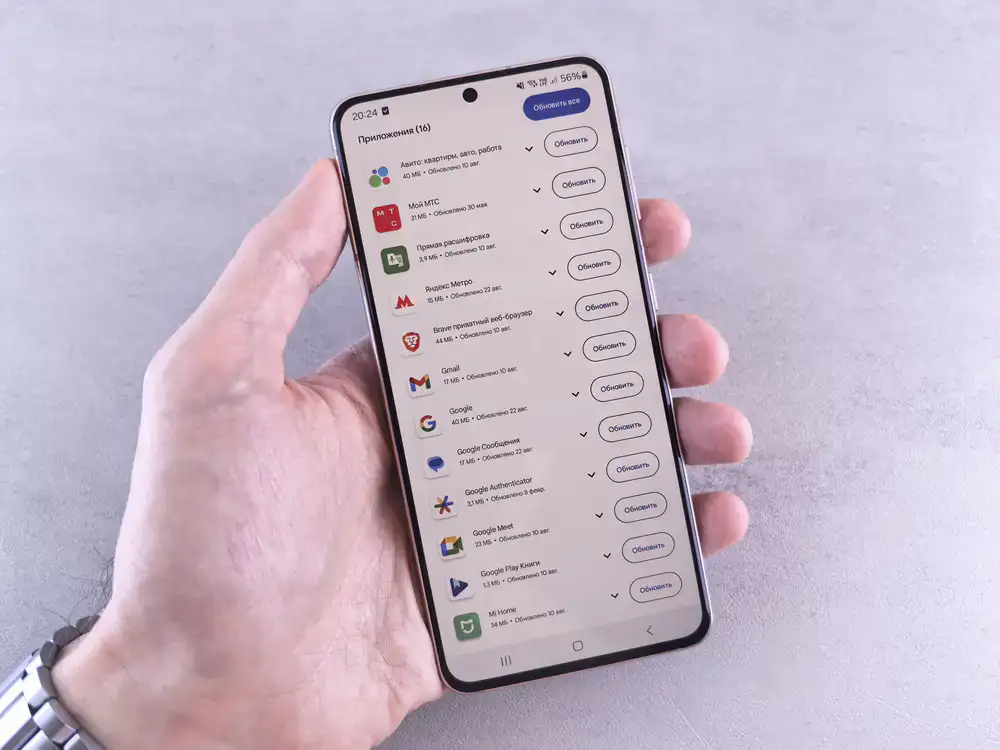
We frequently release performance updates. Check your app store for the latest version of the game. If fully updated, try clearing the app cache in your device settings.
Still need assistance? Our support squad is ready to help you resolve any issues so you can get right back to the fun.